ArtMaker
Deal flyers ready for WhatsApp Status.
On this page: 01Why it exists
Why it exists
Someone asked me for help making promo graphics for the products in her grocery store. If I made the graphics, she would always depend on me. So I built a tool that makes the job simple: she sets everything up the way she wants and gets the finished graphic at the end.
Problem, system, and proof
Problem
Every promo graphic would depend on someone who knew how to put it together.
System
A 1080×1920 deal flyer generator in WhatsApp Status format, in a single HTML file with Canvas. Everything is saved on the device itself.
Proof
33 tests
node --test on GitHub Actions. Checked on 9 Nov 2026.
A closer look
-
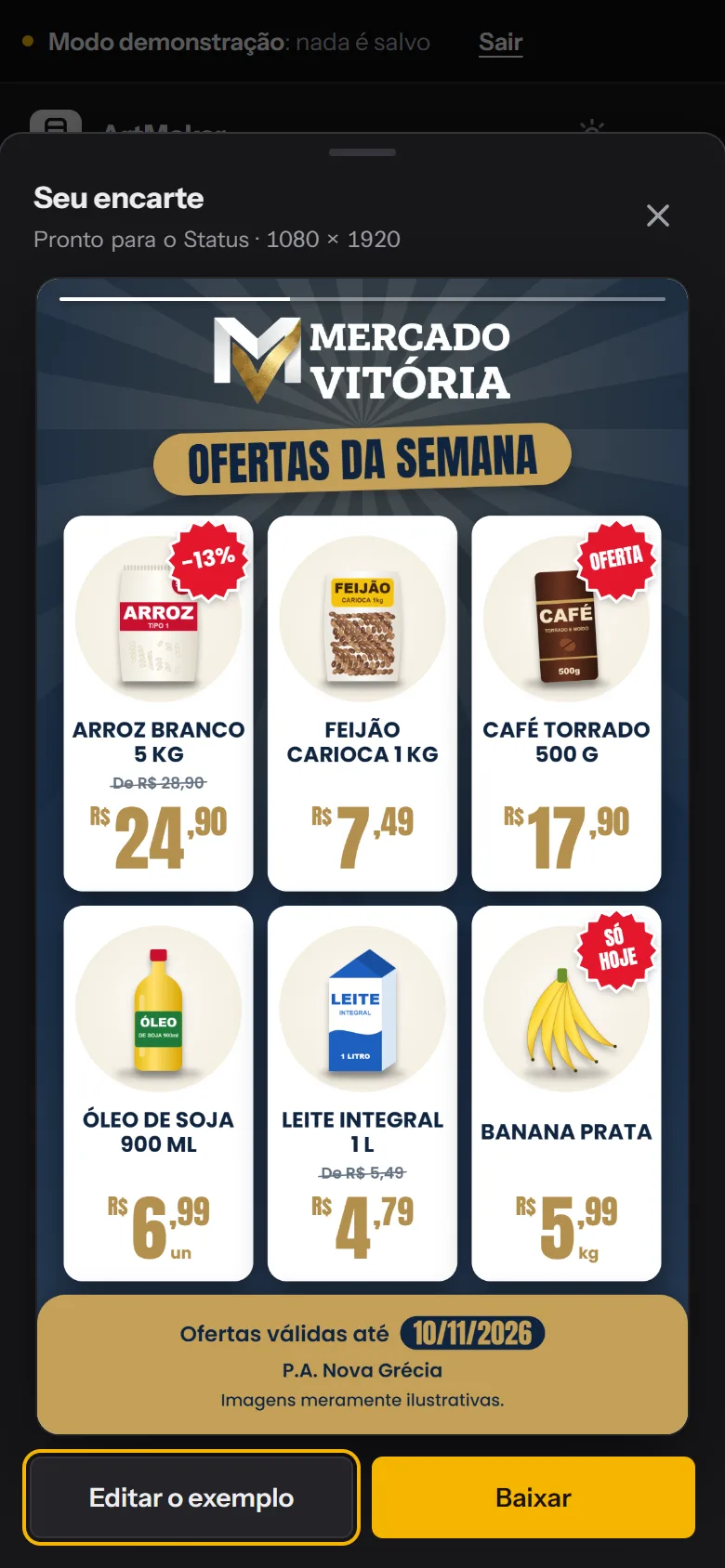
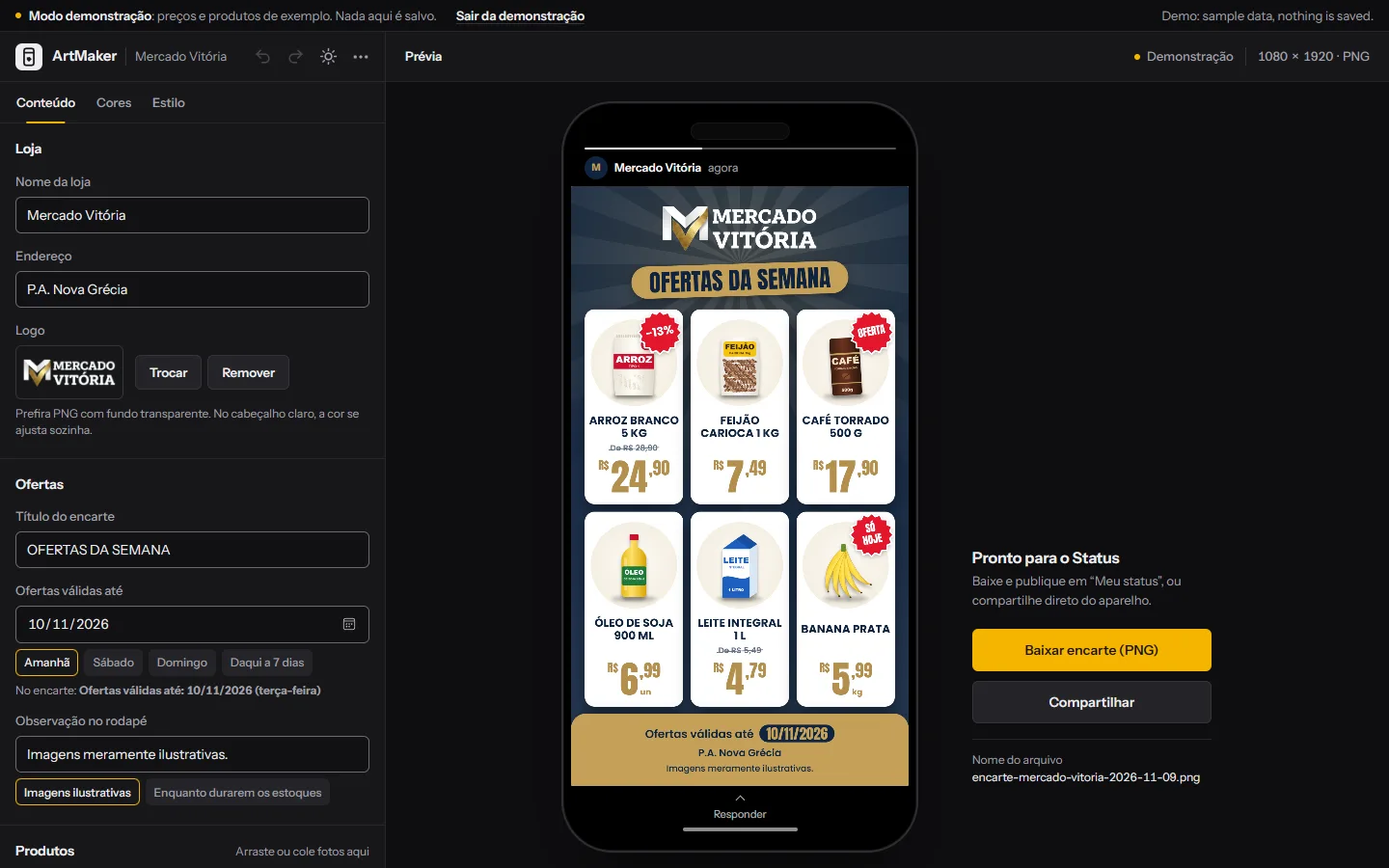
With the store’s brand
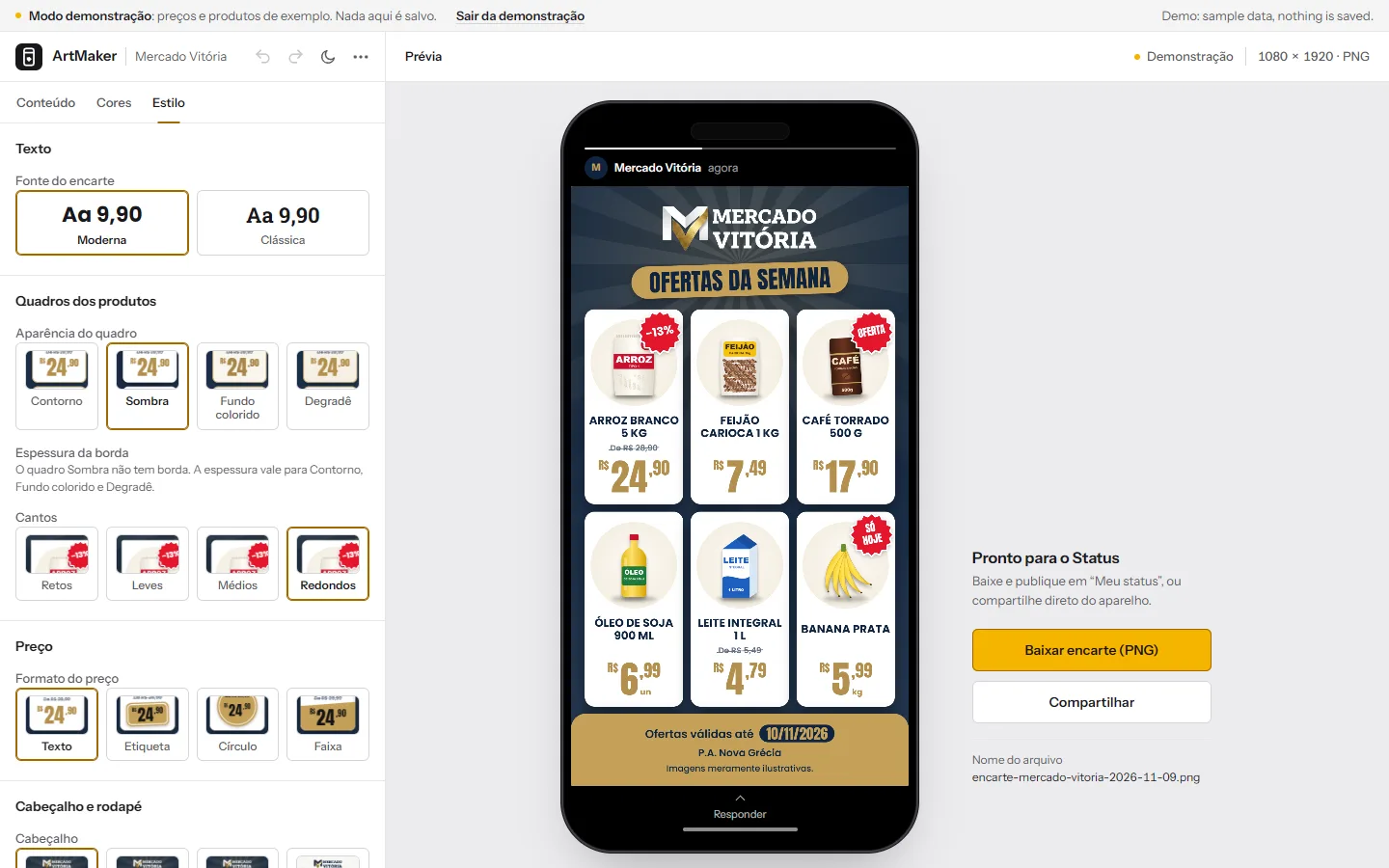
The app’s default is Mercado Vitória. Store and deal details go into the editor, next to the flyer preview.
-
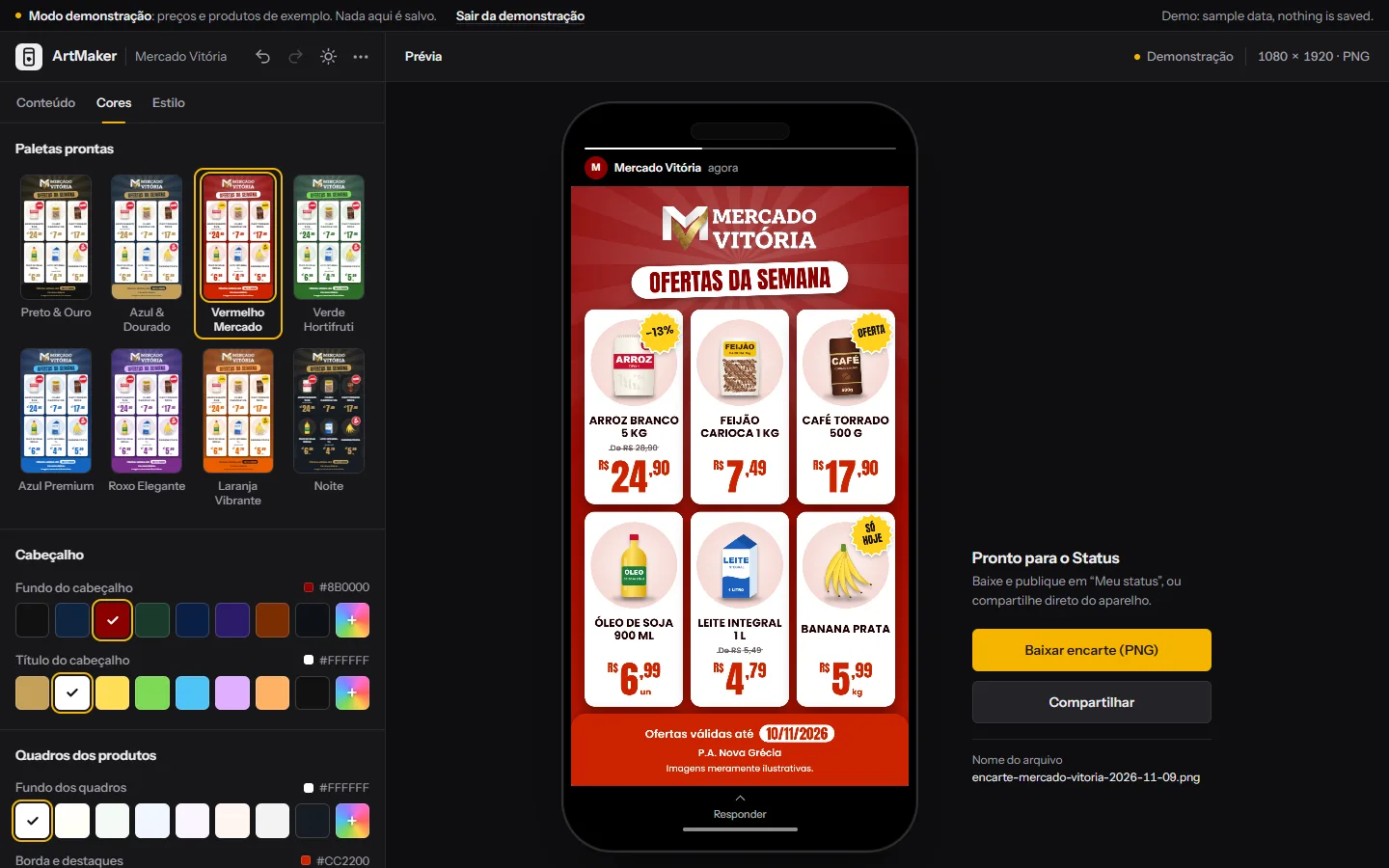
8 ready-made palettes
Palettes appear as thumbnails, drawn by the flyer’s own rendering engine.
-
Style and theme
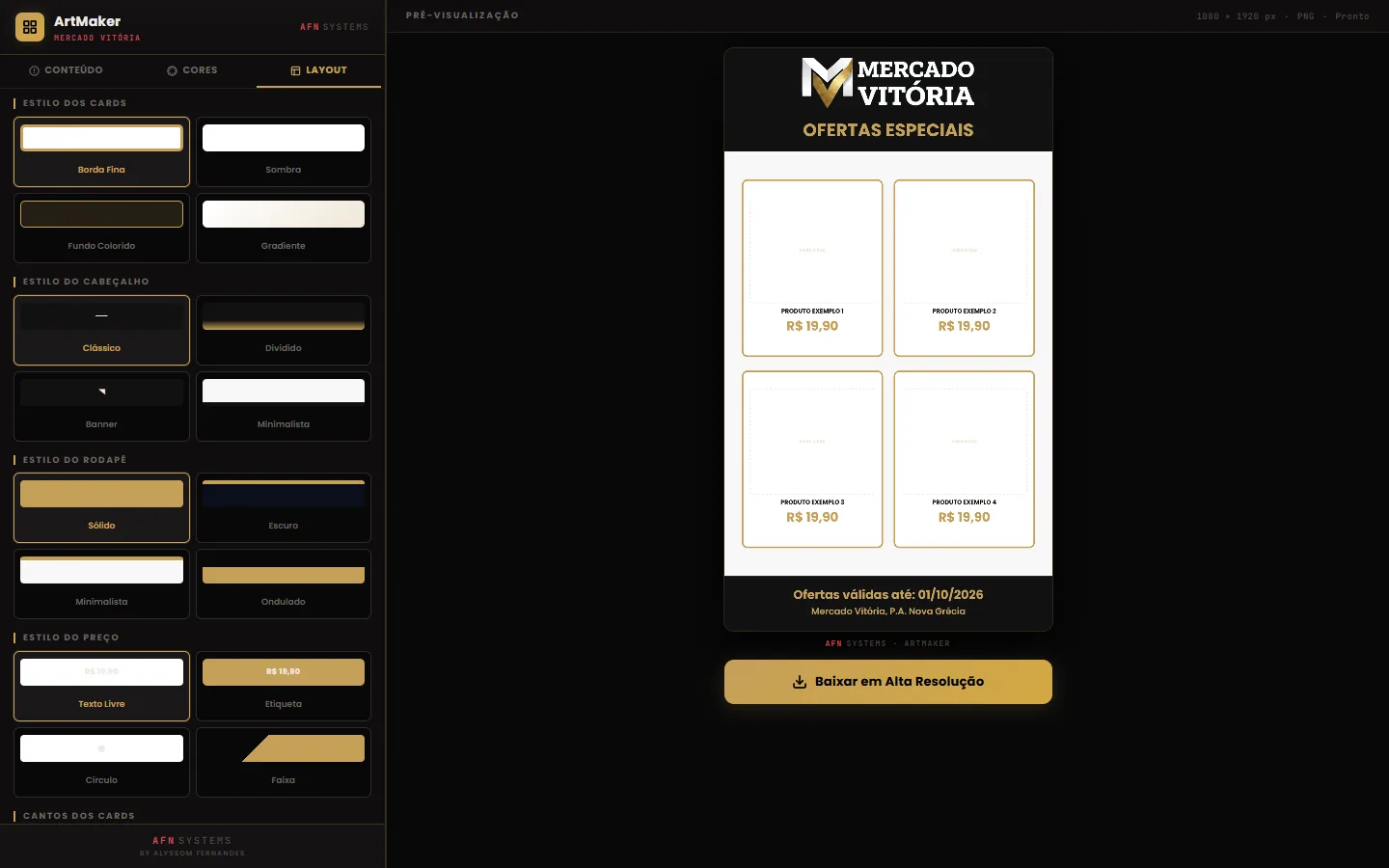
Font, frame, border, corners, and price format, with light and dark themes.
-
Ready for Status
The flyer comes out at 1080×1920, with Share and Download, and stays saved on the device.
How it was built
Architecture
ArtMaker is a single index.html in plain JavaScript, with no framework, build, or server. The editor keeps everything in an estado object; on every change, the desenharEncarte function redraws the flyer on a 1080 × 1920 2D Canvas. The DOM-free rules, such as price parsing, contrast, and data validation, live in a block marked PURO, separate from the drawing code. Text and style go to localStorage, and photos go to IndexedDB.
View in code: index.html L1206–1208 index.html L1443–1447 index.html L2126–2166 index.html L3255–3261 README.md L219–231
- Data in the editor
- Flyer state
- Drawing on Canvas
- PNG to share
Technical decisions
The whole app in one
index.htmlI chose to ship the whole app in one
index.html, so sending the file and opening it in a browser is enough. The default logo is embedded as WebP, because an external image opened straight from disk taints the canvas and the browser blocks the download. The CSP is set in a meta tag, withdefault-src 'none'and each inline script allowed by its SHA-256 hash; the only outside source is Google Fonts.View in code: README.md L166–169 README.md L179–182 index.html L9
Same code draws preview, file, and thumbnails
desenharEncartetakes the canvas context and options: a different context, colors, or region. That way, the same function draws the live preview, the exported PNG (without editing hints such as "Enter the price"), the thumbnails of the 8 palettes, and those in the Style tab, which show only a crop of the flyer. There is no second rendering engine to keep in sync.View in code: index.html L1443–1446 index.html L2126–2134 index.html L3107 index.html L3203–3214 index.html L3255–3259
Contrast fixed without changing the color
People choose colors freely, so a combination can make text unreadable.
contrastefollows the WCAG formula, andajustarCorkeeps the chosen hue and darkens or lightens it only as much as needed to reach the minimum: 3:1 in general and 4.5:1 for small text. The drawing applies this correction to the name, the price, the title, and the struck-through price, and the Colors tab warns when it kicks in.View in code: index.html L1287–1313 index.html L1755 index.html L1989–1990 index.html L2060 README.md L104–106
Challenge
Autosave without losing work
The flyer saves while you edit: the state without images goes to localStorage half a second after the last change, and photos go to IndexedDB, each with its own id, in a per-key queue so the latest change always wins. Moving a product doesn't rewrite any photo. If another tab saves the flyer, the storage event makes this one stop saving and show a warning. Data that is saved or opened goes through normalizarDados before it is loaded.
View in code: index.html L2176–2213 index.html L2215–2260 index.html L1419–1441 README.md L122–130
Testing
The 33 tests run with node --test, with no dependencies. Since the app is a single file, the test reads index.html, cuts out the PURO block, and runs it in an isolated node:vm context: 31 tests cover price, discount, contrast, dates, file name, and project validation. The other 2 recompute the CSP hashes of index.html and 404.html. GitHub Actions runs everything on every push, on Node 22.
View in code: puro.test.mjs L1–17 puro.test.mjs csp.test.mjs testes.yml
Stack and links
Stack
JavaScript, HTML5 Canvas, localStorage, IndexedDB, Web Share API, node:test, GitHub Actions